Oct 16, 2026
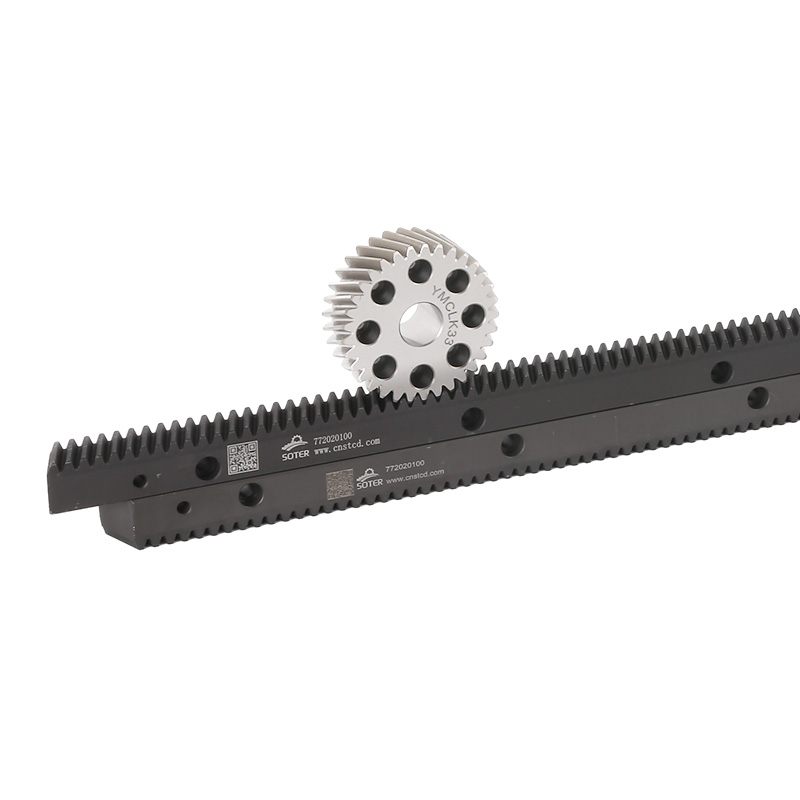
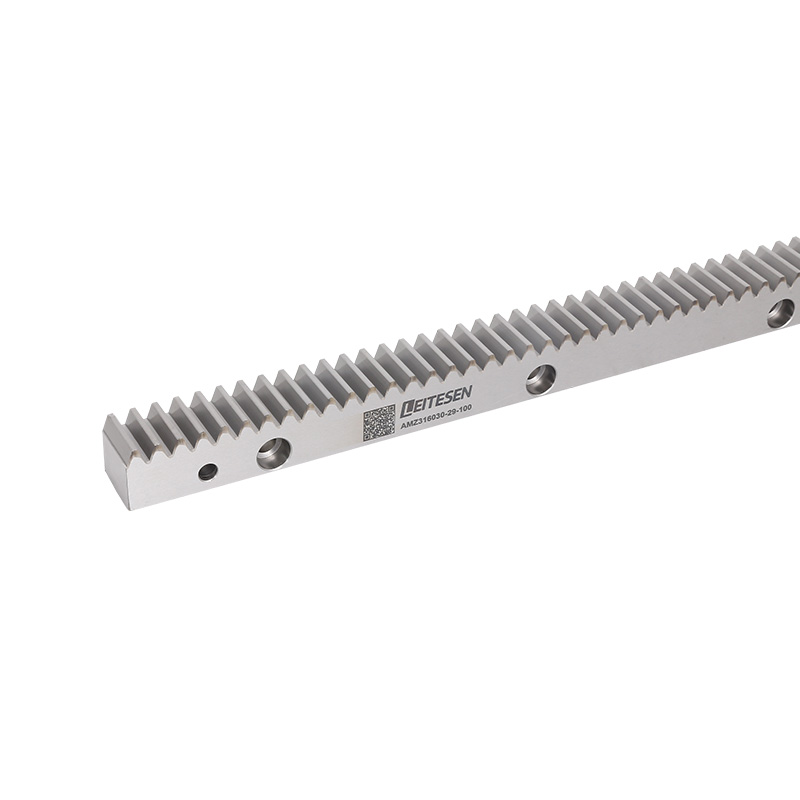
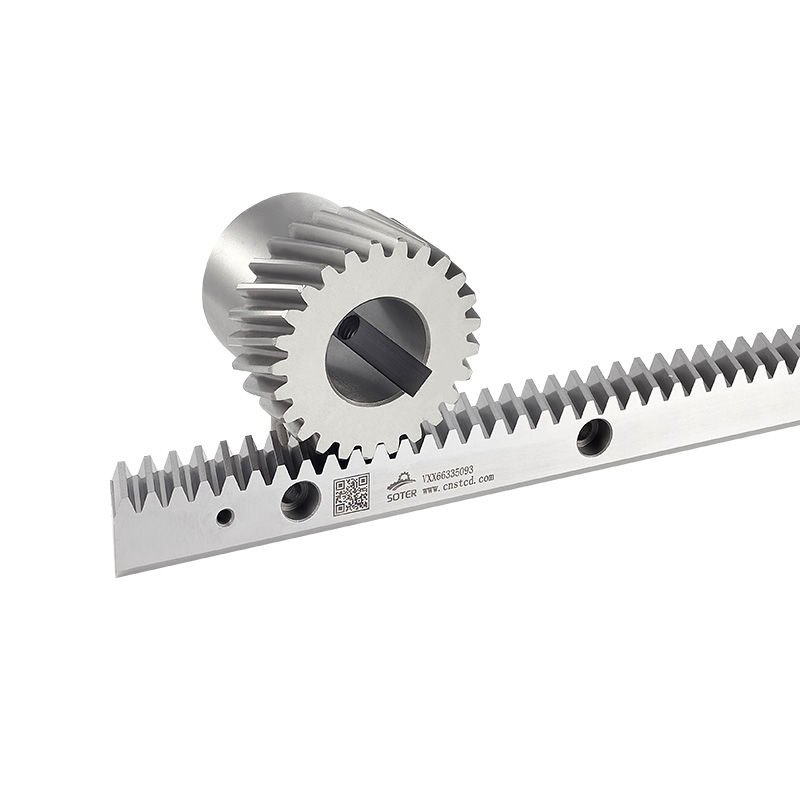
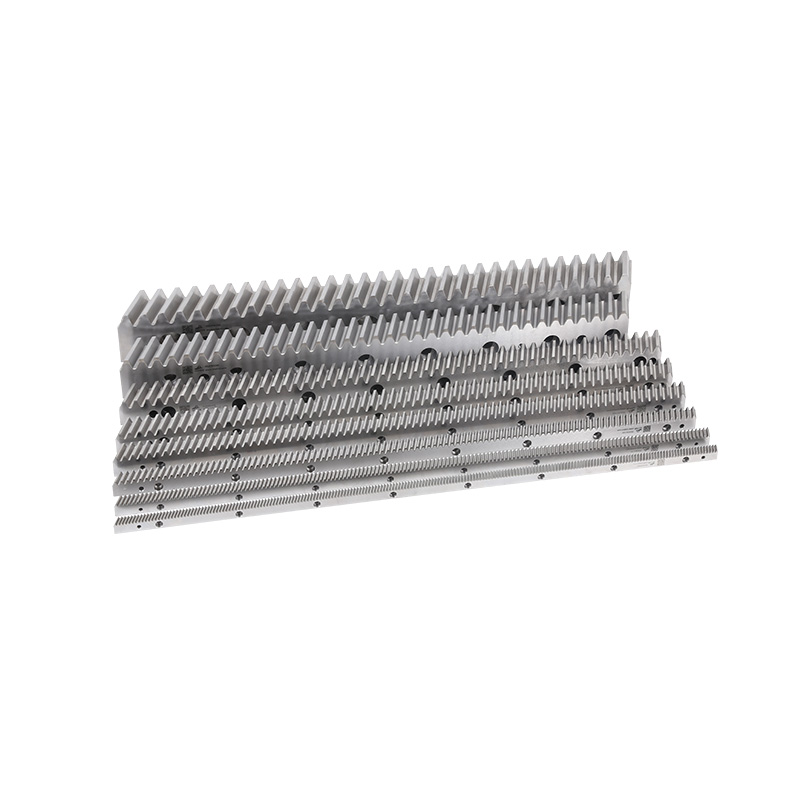
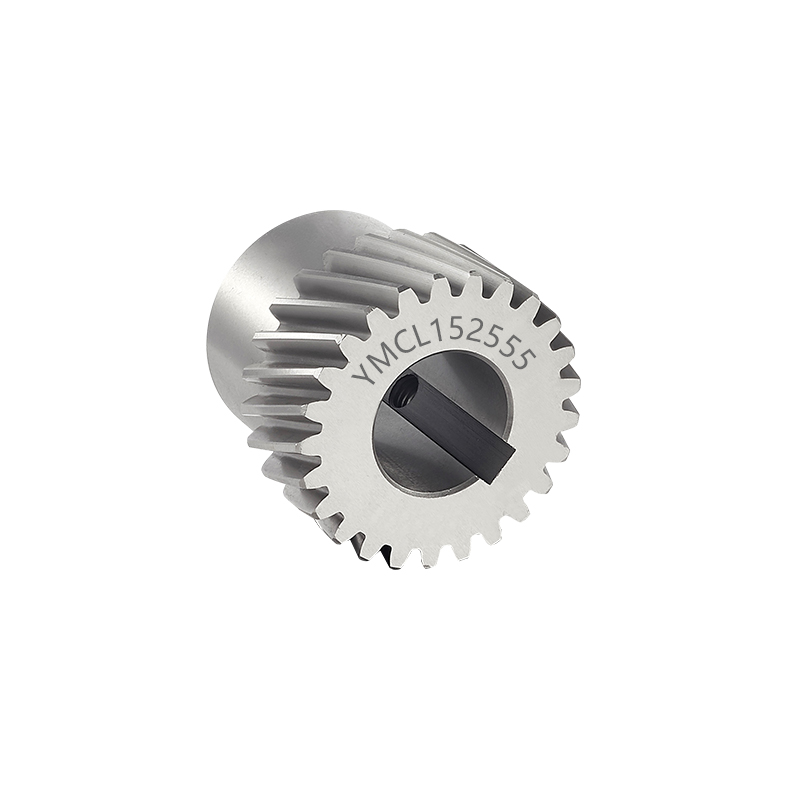
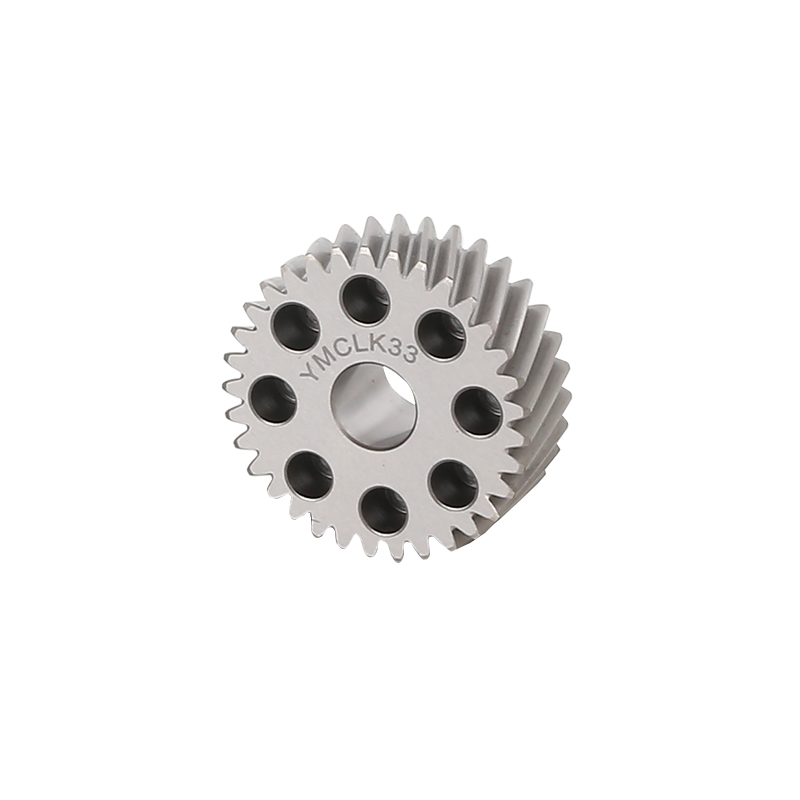
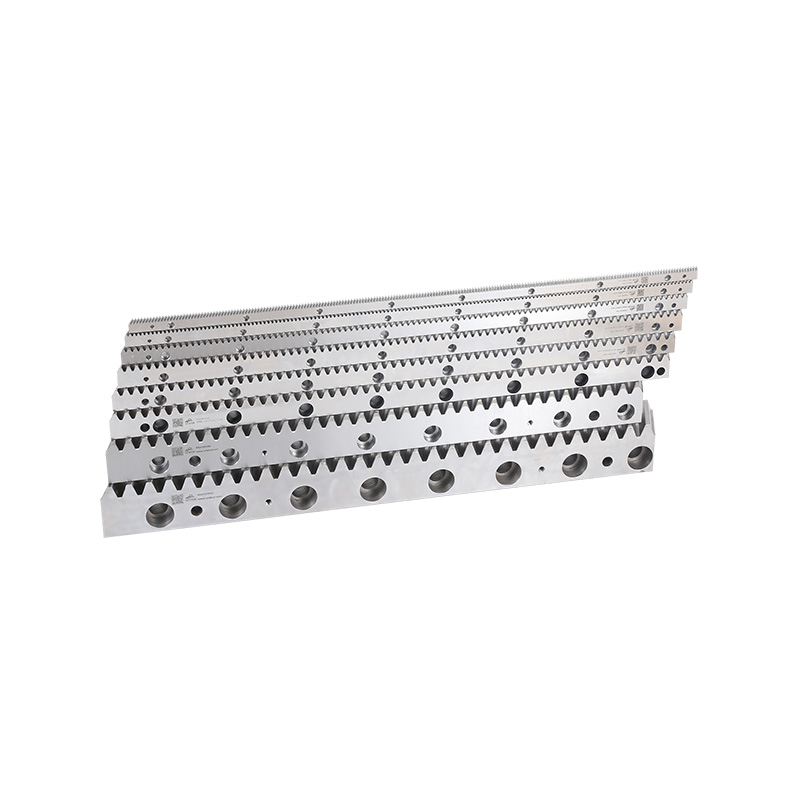
Rack and pinion gears take rotational motion and turn it into straight-line movement — a job that shows up constantly in industrial automation, CNC equipment, lifting systems, material handling gear, and vehicle steering. The rack and pinion work as a pair, guiding motion and passing force between whatever components they're connected to.
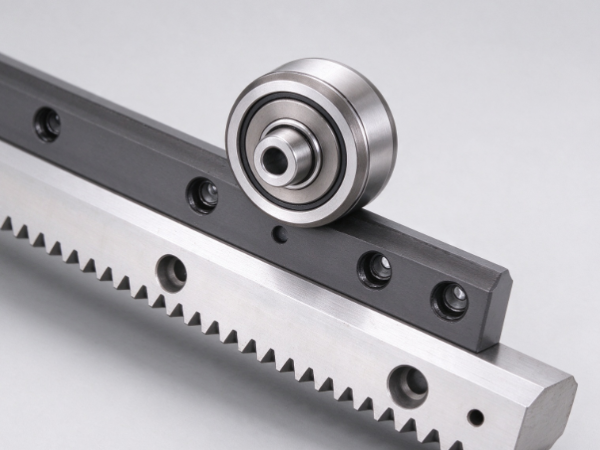
Run anything long enough, though, and wear starts creeping in. Gear teeth degrade, alignment drifts, movement gets less predictable. The result can be anything from positioning errors to strange noises to equipment that's just harder to control than it used to be. And sometimes the real culprit isn't the gears at all — it's the lubrication, the mounting, or some other connected part acting up.
Knowing when it's actually time to swap out rack and pinion gears saves a lot of headaches down the line. That call should weigh tooth condition, how the system moves, what environment it's working in, past maintenance history, and what the machine genuinely needs. A solid inspection routine is what separates normal, expected wear from damage that actually needs fixing.
Visible damage and odd machine behavior are usually what prompt someone to take a closer look. None of these signs automatically mean "replace now" — but none of them should get brushed off either.
Uneven or excessive tooth wear tends to be the obvious tell. Every time the pinion engages the rack, there's contact — and if lubrication's thin, alignment's off, or the load's heavier than the system was built for, that contact wears unevenly over time. Teeth start rounding off, roughening up, chipping, or outright deforming.
Strange noise is worth paying attention to as well. A rack and pinion system running the way it's supposed to shouldn't sound off. Grinding, knocking, repeated clicking — these point toward damaged teeth, poor engagement, loose hardware, or contamination getting into the works. Noise by itself doesn't prove the gears are bad, though — it's reason enough to check the whole drive assembly before jumping to conclusions.
Then there's movement itself. Machines might hesitate, move inconsistently, or stop responding to commands the way they used to. In a positioning system, that throws off accuracy. In steering, it's a safety issue that needs looking at right away.
A few warning signs worth tracking:
The real trick is spotting patterns rather than treating every weird noise or hiccup as gear failure on its own. A proper inspection sorts out whether the problem's actually in the gears or somewhere else — bearings, mounting, lubrication, you name it.
Teeth are where all the actual contact happens in this system. As the pinion spins, its teeth mesh with the rack's, converting that rotation into linear travel. How well that handoff works depends entirely on tooth shape and condition.
Wear usually creeps in slowly. Repeated contact reshapes the tooth profile over time, especially under heavy loads or in dusty, dirty, poorly lubricated conditions. Once the contact surfaces stop meshing the way they're supposed to, movement gets rougher.
Uneven wear is the one to really watch for. If one stretch of the rack has worn down more than the rest, the machine can behave inconsistently depending on where it is along its travel path — smooth in one spot, noisy or sloppy in another. That's especially noticeable in equipment doing repeated positioning work.
Severe damage changes the picture further. A chipped or cracked tooth can keep the pinion from engaging properly at all, and running the system anyway tends to make things worse — sometimes dragging connected parts into the problem too. Crack, broken tooth, serious deformation — any of those calls for a real assessment before continuing to use the equipment.
That said, small surface marks aren't automatically a red flag. Whether they matter comes down to the gear's design, how it's being used, and whatever guidance the manufacturer provides. Some marks are just part of normal contact wear; others are warning signs.
A thorough inspection covers the rack's full working length and goes all the way around the pinion's circumference — otherwise localized damage can slip right past. And if the wear pattern points to bad alignment or sloppy mounting, fix that root cause first. Install new gears on top of an unresolved alignment problem, and they'll likely wear out the same way.
Backlash is that small bit of play between meshing teeth when direction reverses. Some amount is normal — rack and pinion systems are designed with it in mind. The issue is when that clearance grows past what's acceptable or starts throwing off how the machine actually performs.
As teeth wear down, the gap between mating surfaces widens. The pinion ends up turning a bit before the rack actually starts moving the other way. For anything needing precise, repeatable positioning, that lag translates into inaccurate movement or constant correction.
Take a CNC machine running a rack and pinion drive along a linear axis — once play gets excessive, the actual position can drift from the commanded one, depending on how the control system's set up. The same thing happens in automated handling gear, cutting equipment, positioning tables.
Worth noting: backlash doesn't always trace back to tooth wear. Loose fasteners, worn bearings, bad adjustment, or play in the mounting structure can all produce similar symptoms. Swap the rack and pinion without checking those first, and the problem might just come right back.
Useful questions to work through:
If backlash is still excessive after ruling out everything else, the gears have probably reached the end of their useful life. From there, replacement should follow whatever guidance the machine manufacturer provides, along with any relevant safety requirements.
Noise and vibration often give the earliest hints that something's off — whether that's the gear teeth losing proper engagement or some other part of the assembly needing attention.
A grinding sound usually points to damaged contact surfaces, thin lubrication, or debris caught between moving parts. Knocking suggests uneven engagement, loose hardware, or damage causing repeated impact. A rhythmic sound that shifts with movement often means there's a localized problem somewhere specific on the rack or pinion.
Vibration tends to show up when the pinion drifts out of alignment with the rack, the mounting shifts, or wear becomes uneven across the teeth. Speed and load changes can make these symptoms more or less noticeable depending on conditions.
Before inspecting anything, follow the machine's standard shutdown and lockout procedures. Stop and isolate the equipment first — nobody should be reaching near an active drive or trying to eyeball gear damage while it's still moving.
Once it's safe, maintenance staff can go through mounting bolts, lubrication condition, visible tooth surfaces, and alignment of connected parts — comparing what they're hearing now against how the machine normally sounds.
Replacement makes sense when the noise or vibration traces back to real tooth damage or significant wear. But if it's a loose bracket, dirty lubricant, or a bearing on its way out, fixing that alone might solve it. The goal's always finding the actual source — not swapping parts based on sound alone.
What's happening around a rack and pinion system matters just as much as the system itself. Even a well-built drive can wear out early if the operating environment wasn't factored into installation and maintenance.
Dust and abrasive particles are a known problem in woodworking, metalworking, packaging, and material handling settings. They settle on exposed teeth or work their way into the lubricant, and once they're in the contact zone, surface wear speeds up and engagement gets rougher.
Moisture brings its own trouble. In damp settings, corrosion can set in on exposed metal if the material, coating, or protective setup isn't right for the job. Corroded teeth don't mesh as cleanly. Chemical exposure adds more risk on top of that, depending on what's involved and what the drive's actually made of.
Lubrication has to fit the application too. Too little, and friction and wear climb. Wrong lubricant, poor application, or contamination — any of these cuts into protection. Some systems need regular lubrication; others are built around different maintenance schedules entirely. Manufacturer instructions should be the guide here.
Load matters as well. Shock loads, unexpected impacts, or running outside intended conditions all add stress to the teeth. A drive handling frequent starts, stops, and direction changes tends to wear differently than one running at a steady pace.
A few things help stretch service life:
If a rack or pinion has already suffered serious corrosion, cracking, or deformation, cleaning and lubricating won't bring it back to safe operation. Even if the system technically still moves, replacement might be the only real option.
Whether you replace just the rack, just the pinion, or both really depends on their actual condition and what the manufacturer recommends. Since these two parts function as a matched pair, wear or damage on one often shows up affecting the contact pattern on the other.
A pinion that's worn unevenly may have developed a tooth profile that no longer meshes well with a brand-new rack. Flip that around — a damaged rack can mess with the pinion's contact surfaces over continued use too. Replacing just one part without checking the other risks poor engagement or faster wear on the new piece.
Replacing both makes sense when they're both showing substantial wear, when the manufacturer specifies replacing them as a matched set, or when there's no reliable way to match the old parts to new ones. The call should factor in the machine's design and service needs.
Sometimes replacing just one part is the right move, though. If one component has isolated damage and the other's still within acceptable condition, a qualified technician might reasonably decide single-part replacement works fine — as long as compatibility and proper adjustment get confirmed afterward.
Don't skip the surrounding components either. Bearings, shafts, couplings, mounting brackets, guides, fasteners — all of these affect alignment and movement. A brand-new rack and pinion won't run right if a worn bearing lets the pinion shaft wobble, or if the mounting surface is warped.
Before installing anything new, confirm the correct tooth form, dimensions, material, mounting setup, and compatibility with what's already there. After installation, align the drive, lubricate as needed, and check everything against the manufacturer's procedure.
The replacement call should come down to the drive's actual condition and what the application demands. Some warning signs point to something fixable through adjustment or maintenance; others point to damage serious enough that continued operation isn't a good idea.
A structured inspection keeps you from replacing parts unnecessarily — while also making sure nothing serious gets overlooked.
| Inspection Area | What to Look For | Possible Next Step |
|---|---|---|
| Gear teeth | Cracks, chips, severe wear, deformation | Assess damage; replace affected parts if needed |
| Gear engagement | Excessive play or uneven contact | Check adjustment, alignment, tooth condition |
| Movement quality | Jerking, slipping, inconsistent travel | Inspect drive and connected mechanical parts |
| Noise and vibration | New grinding, knocking, repeated vibration | Identify source before deciding on replacement |
| Lubrication | Insufficient, contaminated, or wrong lubricant | Fix lubrication issue; inspect for wear |
| Mounting structure | Loose fasteners, movement, damaged supports | Repair mounting; verify alignment |
| Operating environment | Dust, moisture, corrosion, repeated impacts | Address environmental cause; inspect surfaces |
It's also worth thinking through what failure would actually mean. A worn gear in a lightly loaded positioning device carries different risk than one in a steering system or heavy-load machinery. Where failure could create a safety hazard, take the equipment out of service and get it checked by someone qualified.
Maintenance records can reveal patterns a single inspection might miss — recurring alignment problems, repeated tooth damage, lubrication issues that keep coming back. These patterns often point to something in the operating conditions or original installation that needs fixing, which in turn helps keep replacement parts from wearing out the same way.
A rack and pinion manufacturer or qualified service provider can also weigh in on whether the current gear design still fits the application — especially if load, movement frequency, environmental exposure, or machine configuration has changed since installation.
At the end of the day, the decision to replace rack and pinion gears should rest on what's visibly worn, how the system's actually moving, what the inspection turns up, and what the manufacturer recommends. Once significant tooth damage, persistent excessive backlash, or unreliable movement gets confirmed, replacement is usually what it takes to get the equipment back to running the way it's supposed to.
Related Products

If you have cooperation intention, please leave a message for us or use the following ways to contact us.We will reply to you as soon as possible and provide you with more sincere service, thank you.
Production
QR Code
Call Us :
+86-13758631128
E-mail :
sttc@cnstcd.com
Add :
31 piazza road, ruoheng town, wenling city, taizhou city, zhejiang province, China.
Copyright © by Zhejiang Soter Transmission Technology Co., Ltd. Rights Reserved.

China Rack And Pinion For Sale

 English
 中文简体
中文简体
 Español
 русский